
A plugin for Obsidian
One hotkey from thought to note.
QuickAdd creates notes from templates, adds to the notes you already have, and chains steps into macros. Each one is a choice you can run from anywhere in your vault.
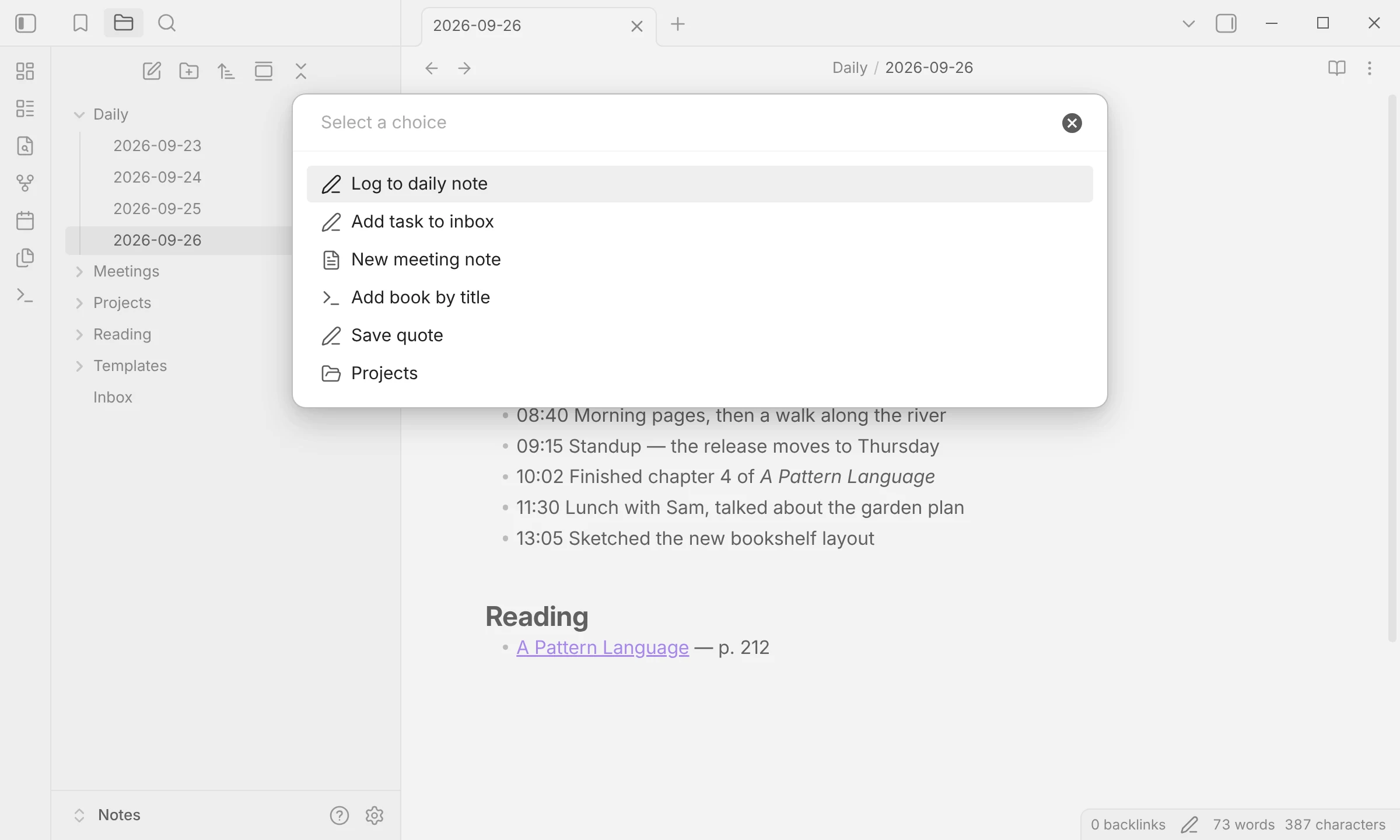
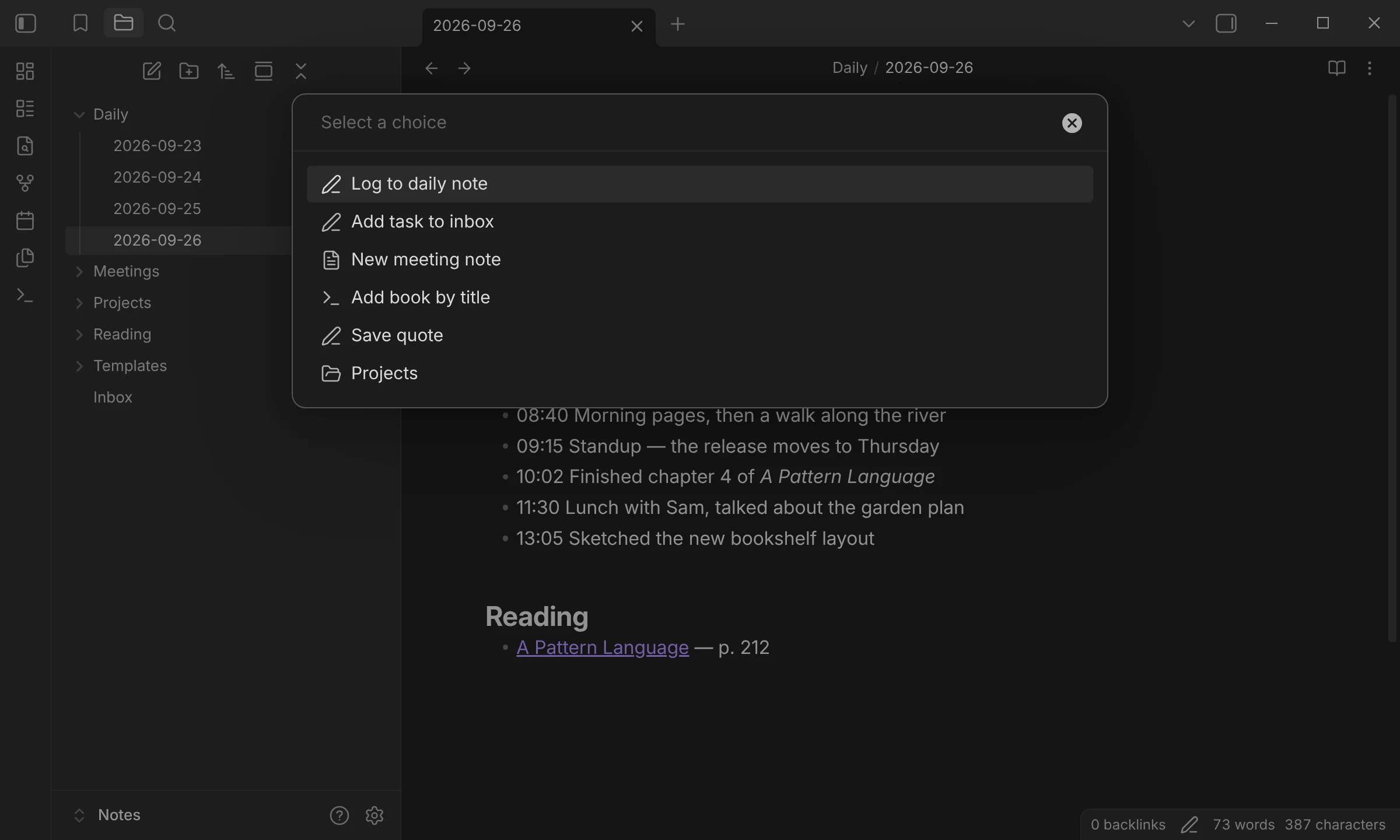
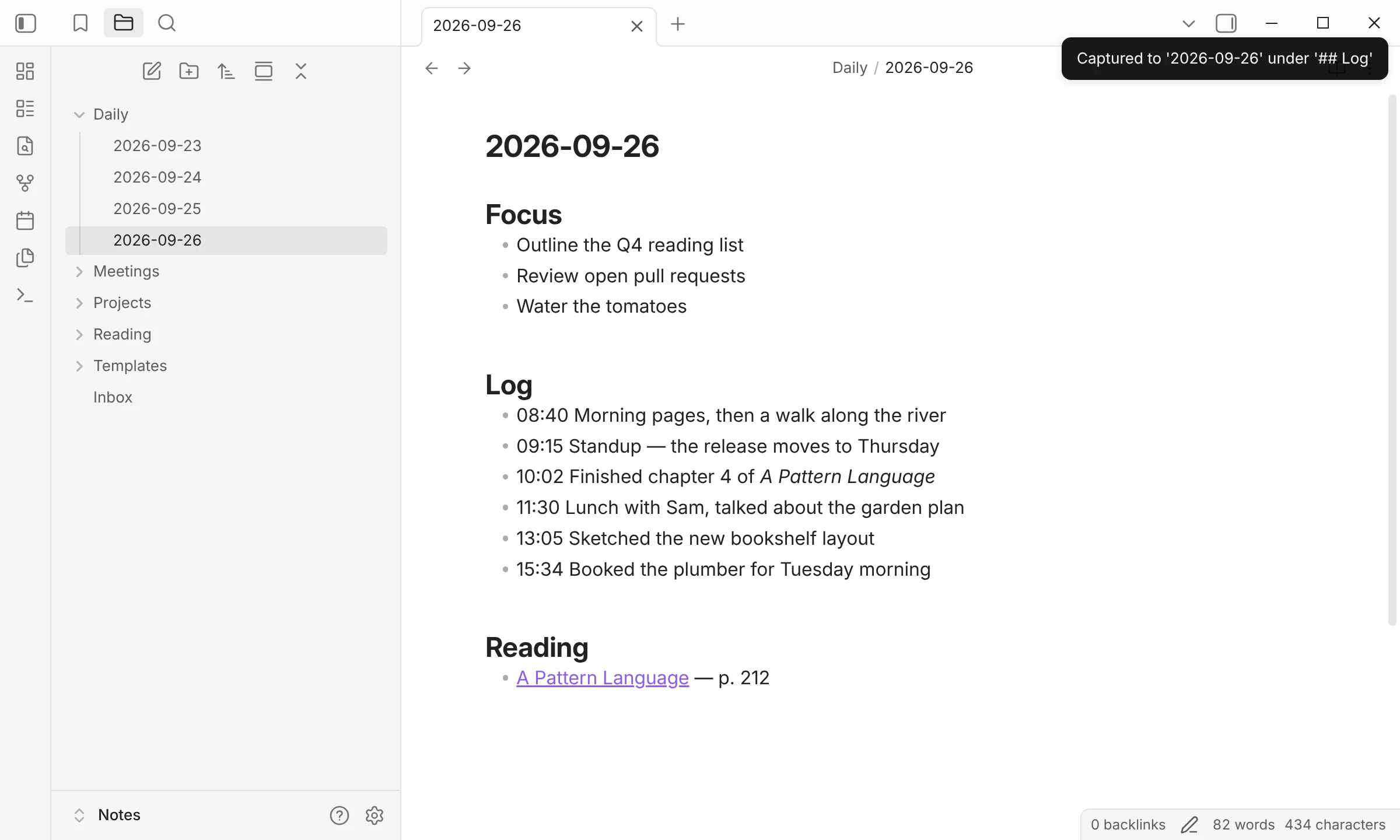
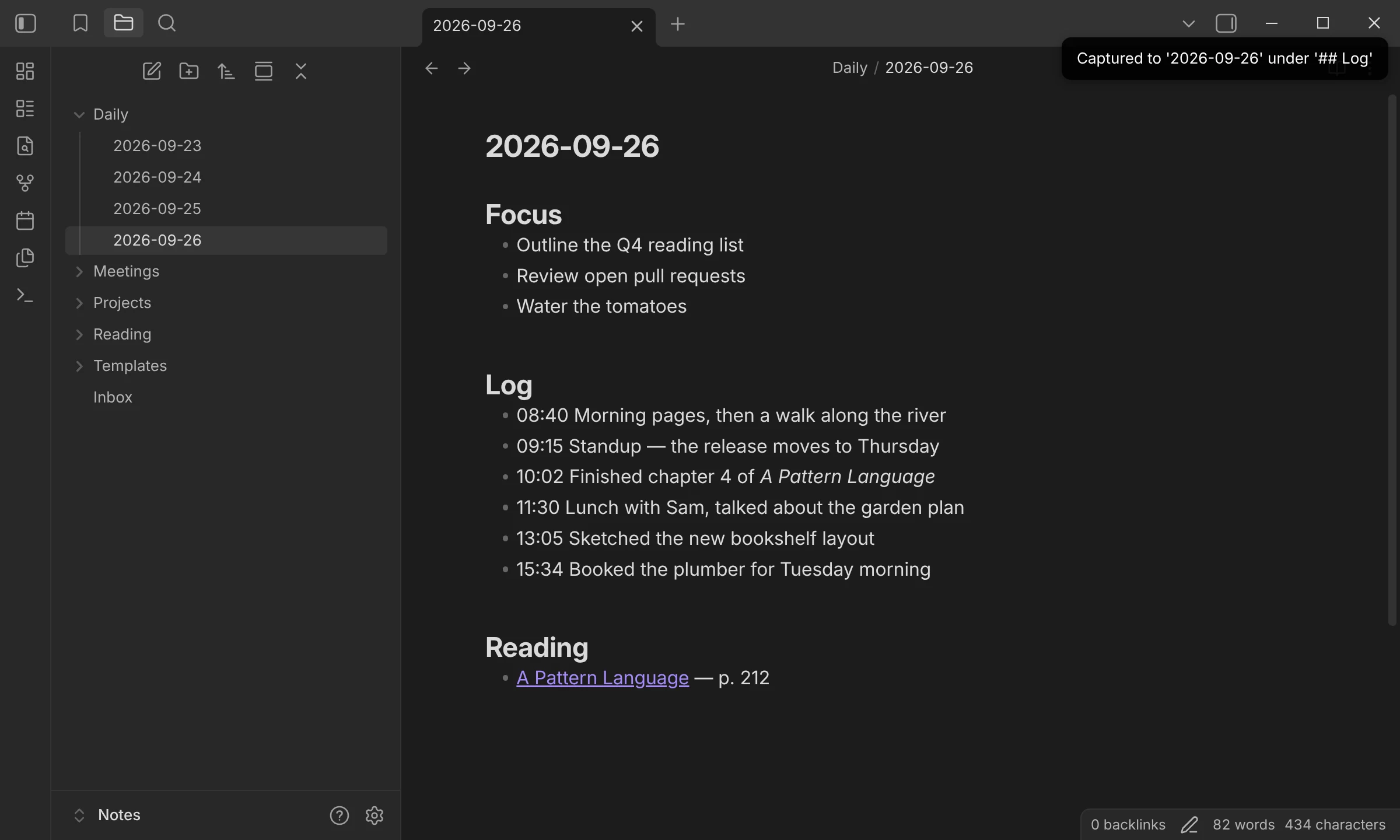
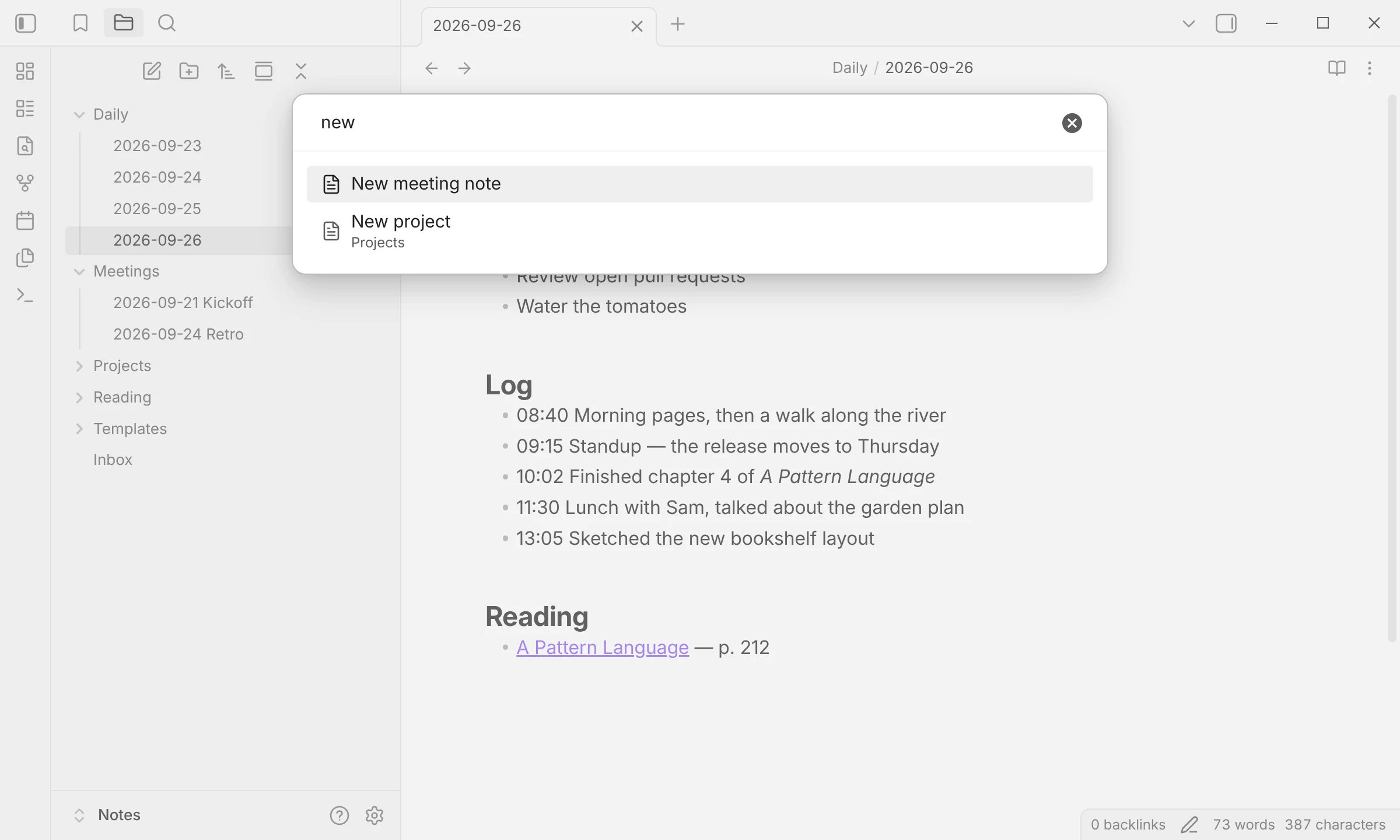
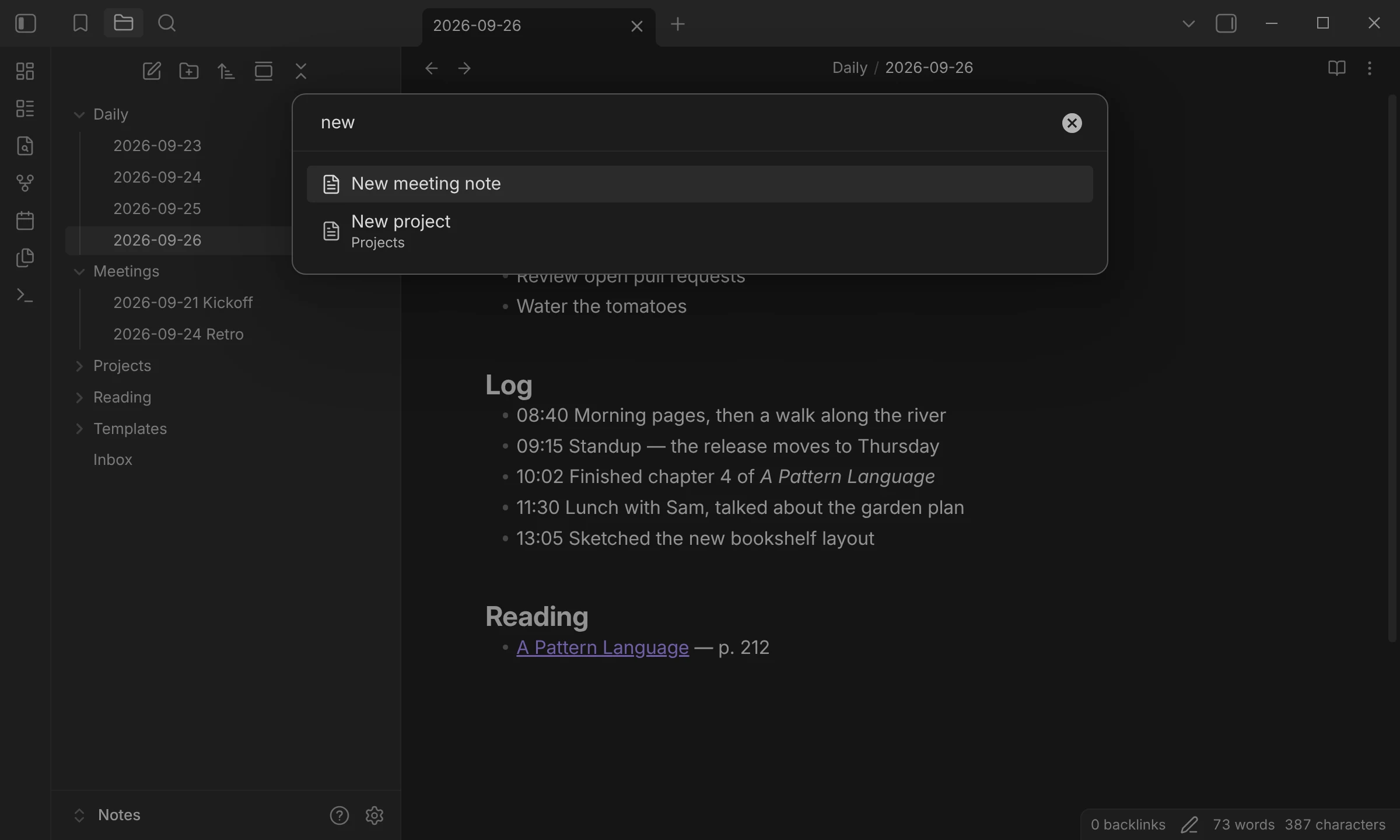
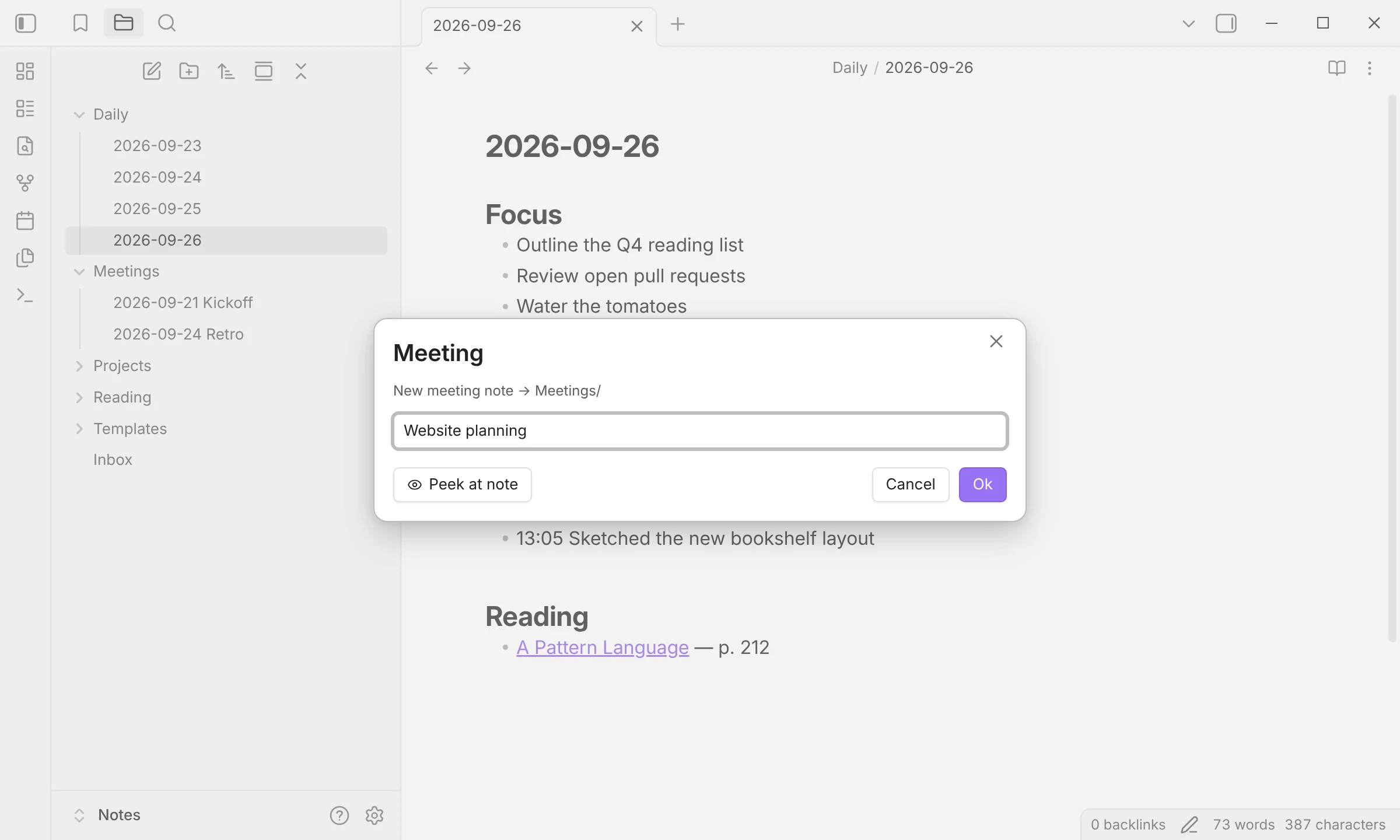
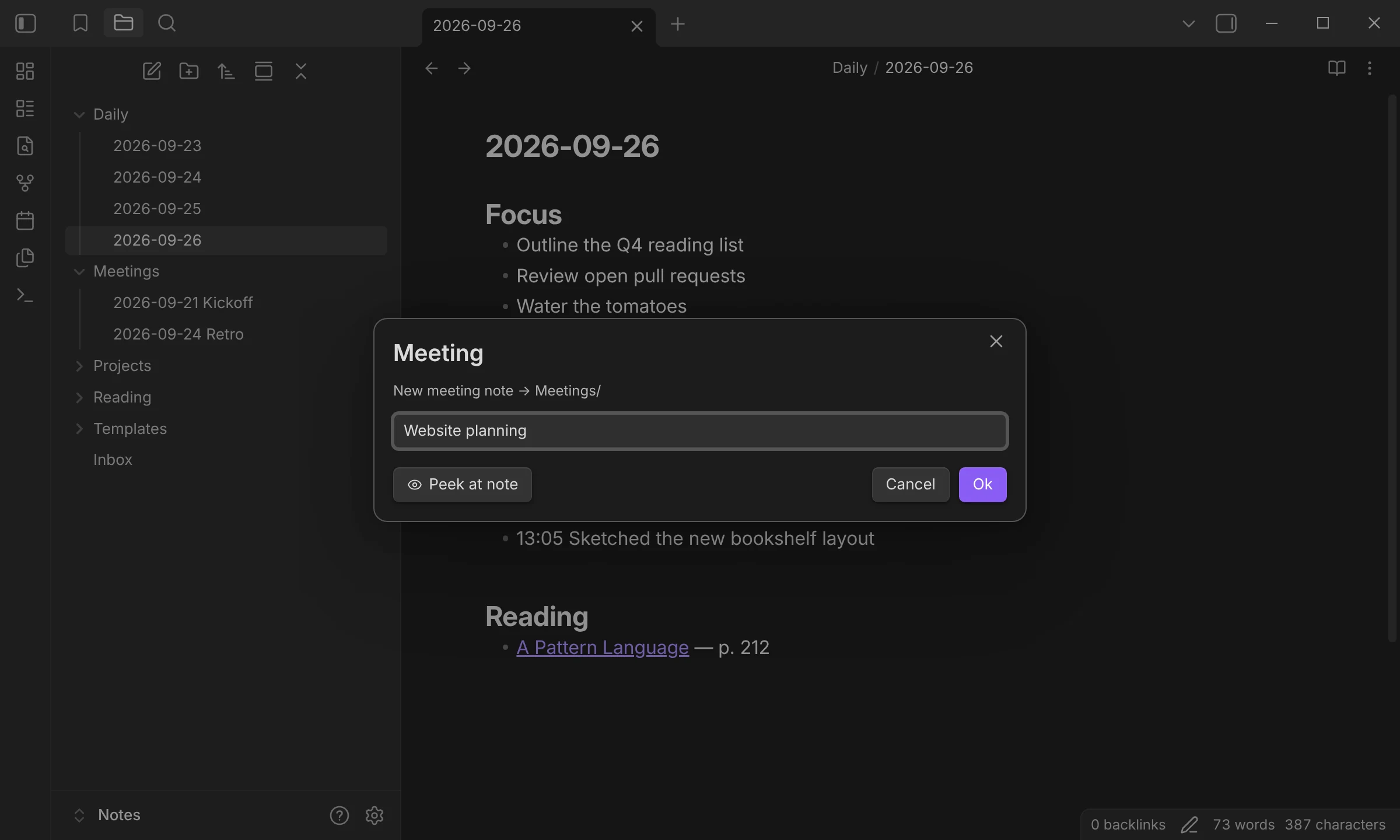
Run QuickAdd: Run from the command palette, or give the choice a hotkey of its own.
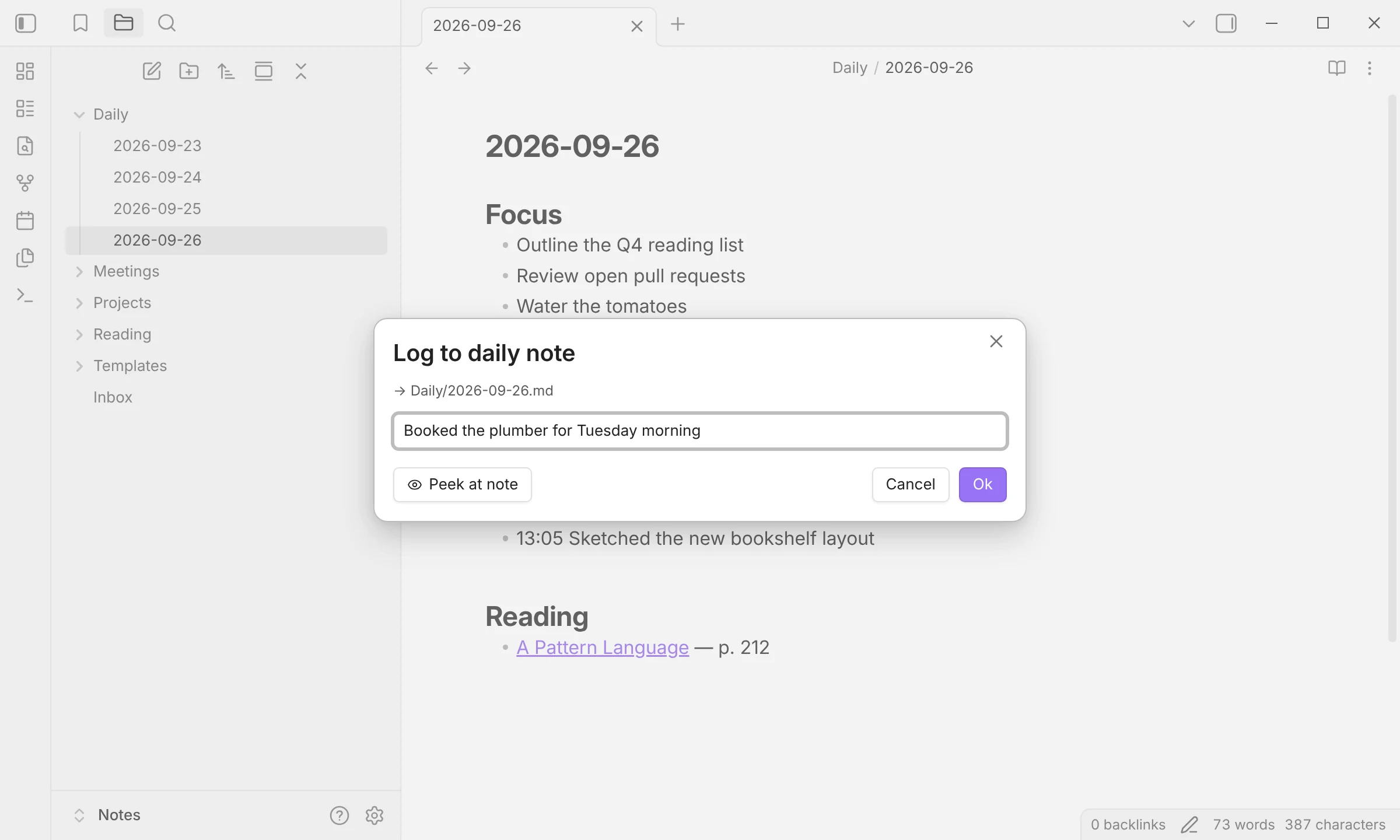
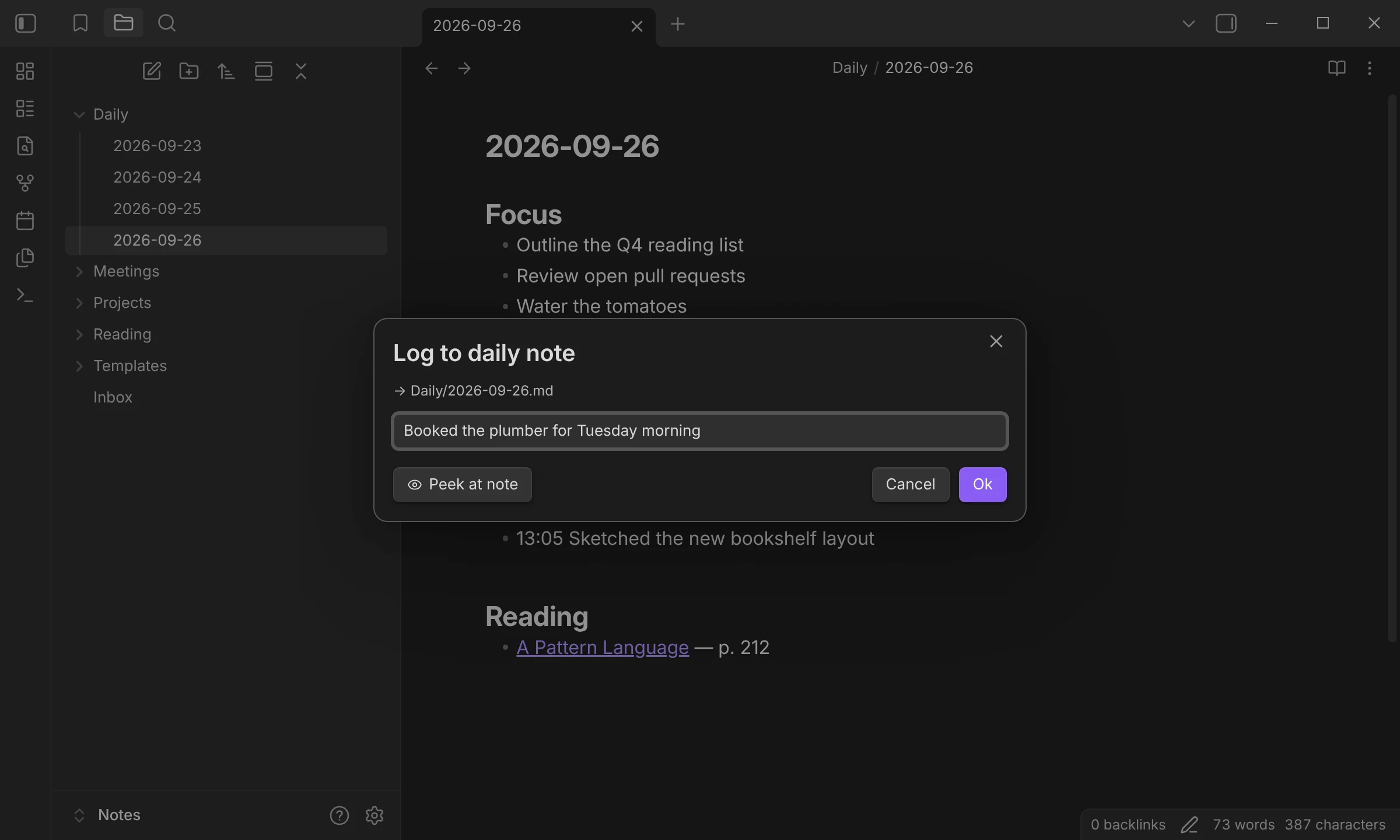
A capture asks only for what it needs, and shows the note it will write to.
Timestamped and filed under
## Login today’s note, which is created if it doesn’t exist yet.
The choice in this demo
- Capture to
Daily/{{DATE:YYYY-MM-DD}}.md- Create file if it doesn’t exist
- On
- Insert after
## Logat end of section- Capture format
- {{DATE:HH:mm}} {{VALUE}}\n
Type to filter. Choices inside folders show up too, with their folder underneath.
The answer fills in the file name. The prompt shows the folder the note goes to.
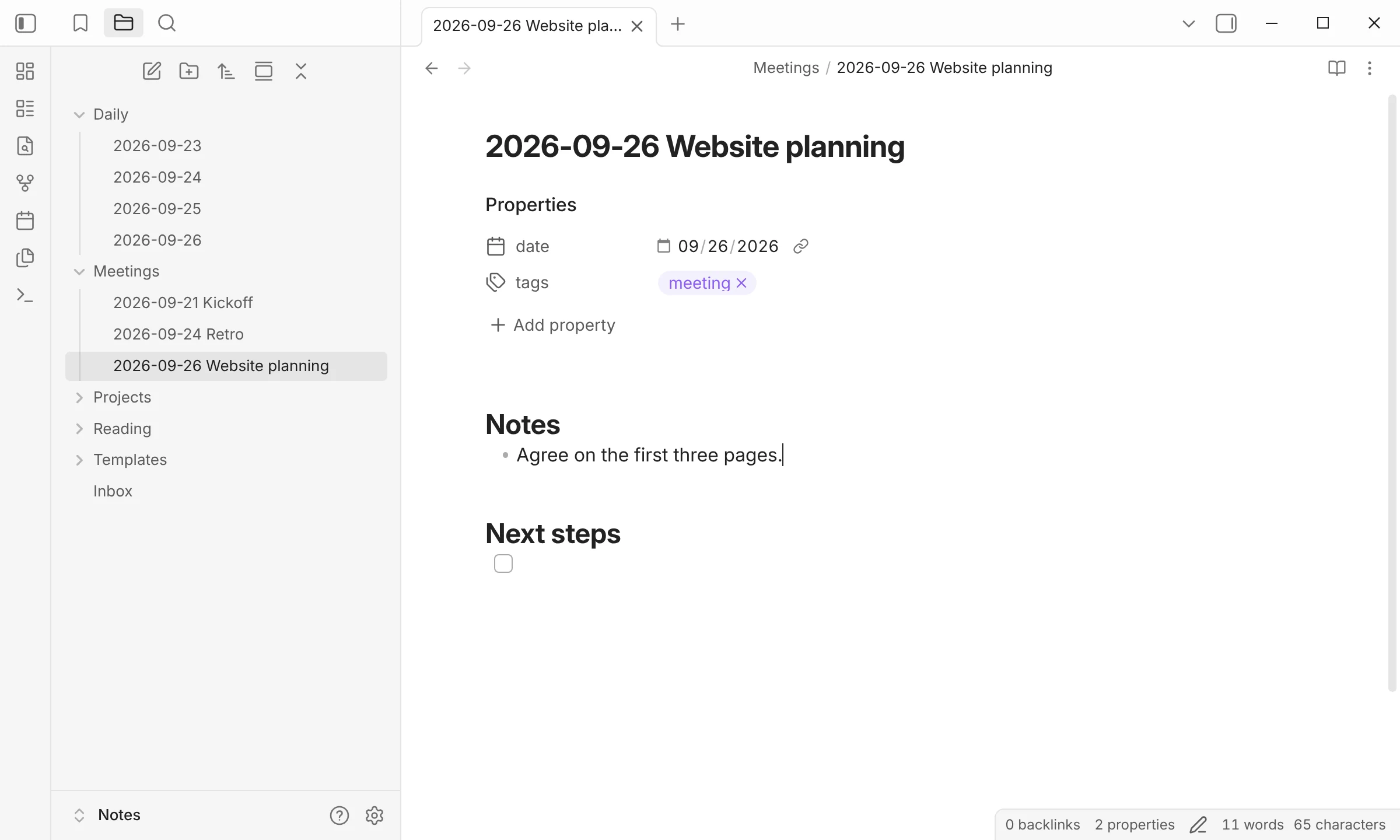
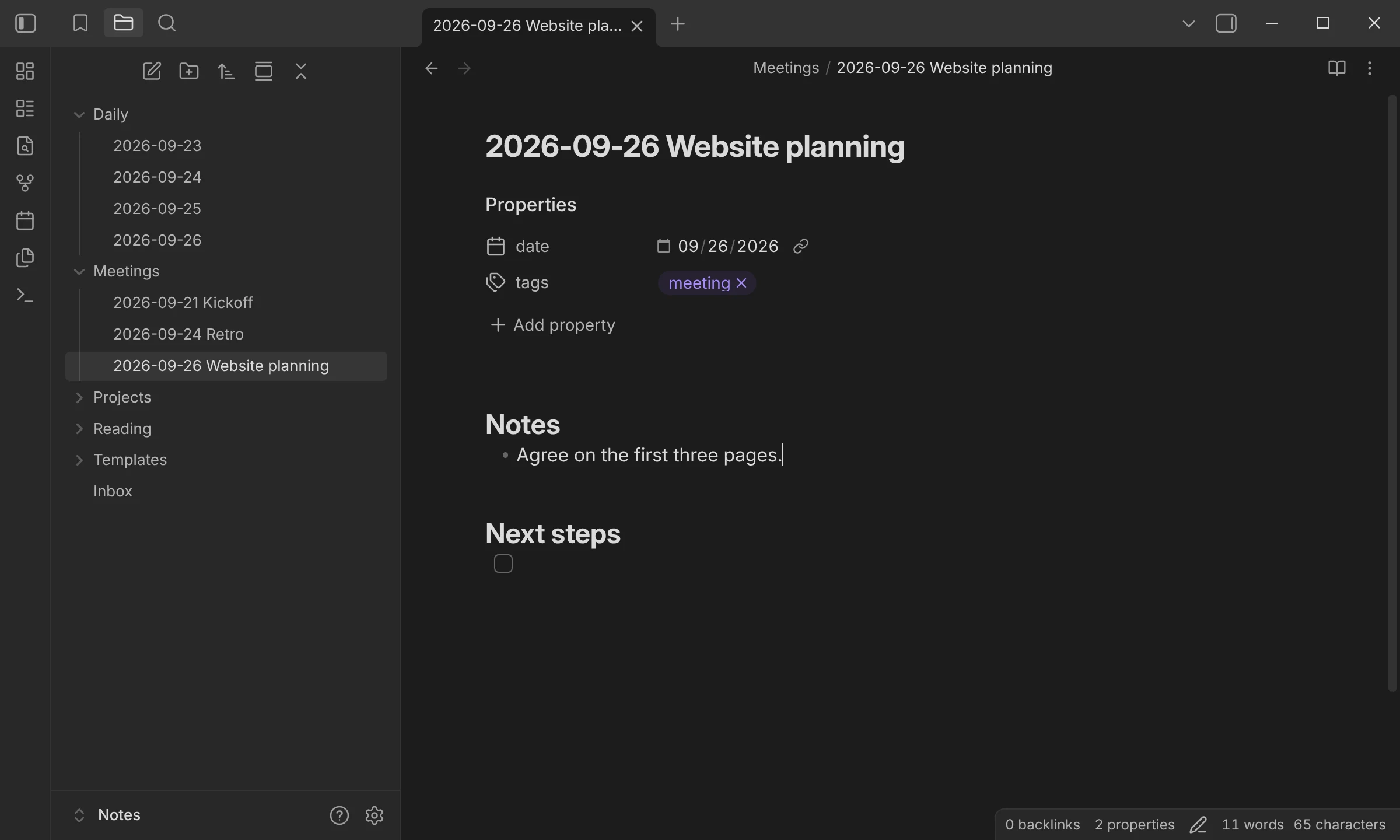
The note opens with its properties set, and the cursor waits at
{{CURSOR}}.
The choice in this demo
- Template path
Templates/Meeting.md- File name format
{{DATE:YYYY-MM-DD}} {{VALUE:Meeting}}- Folder
Meetings- Open
- On
Choices
Every workflow starts with one of four choices.
- TemplateCreate a note from a template file, named and filed where it belongs.a dated meeting note in Meetings/
- CaptureAdd text to a note that already exists: at the cursor, at the top or bottom, or under a heading.a timestamped line in today’s daily note
- MacroChain Obsidian commands, user scripts, and other choices into a single step.look up a book and write its note
- MultiGroup choices into folders and build a menu that fits the way you work.a Projects folder with its own choices
When you need more
Examples
Start from a working recipe.
- CaptureDaily note entriesTimestamped lines, tasks, quotes, and callouts under a heading in today’s note.
- TemplateMeeting notesCreate a dated meeting note, answer one question, and start typing under Notes.
- MacroBook notes from a titleLook a book up in Google Books and create its note. No API key needed.
- CaptureKanban cardsDrop a card into any lane of a Kanban board without opening the board.
Get started
Running in three steps.
Install
Find QuickAdd in Settings → Community plugins and enable it.
Create a choice
In Settings → QuickAdd, click New choice and pick a type.
Run it
Use QuickAdd: Run from the command palette, or bind the choice to a hotkey with ⚡.